

PROMPT ASSISTANCE

Always by your side


Get real time information if you run into an issue with your water heater:


• View error code and description. 


• Get enhanced remote assistance from technical support.


A smart way to get prompt assistance, avoid and correct errors as quickly as possible, and achieve the peace of mind you deserve

Immagine1

CONNECTED PRODUCTS

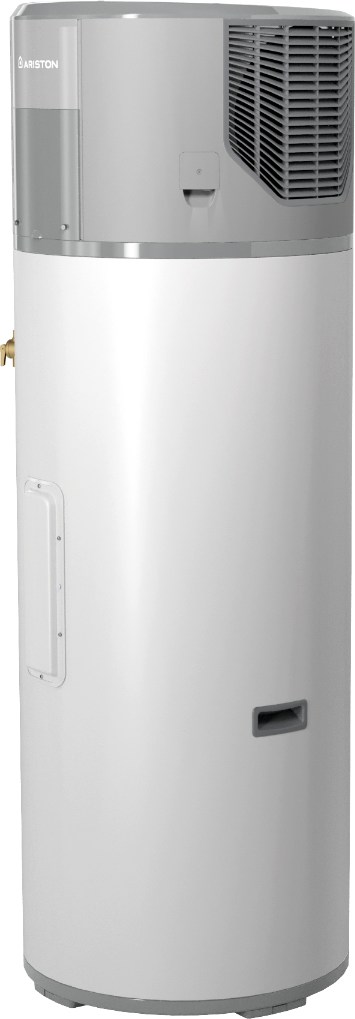
  • Heat Pump Water Heater
CONNECTED PRODUCTS

NEED MORE HELP?

  • What are the capabilities of Ariston NET?

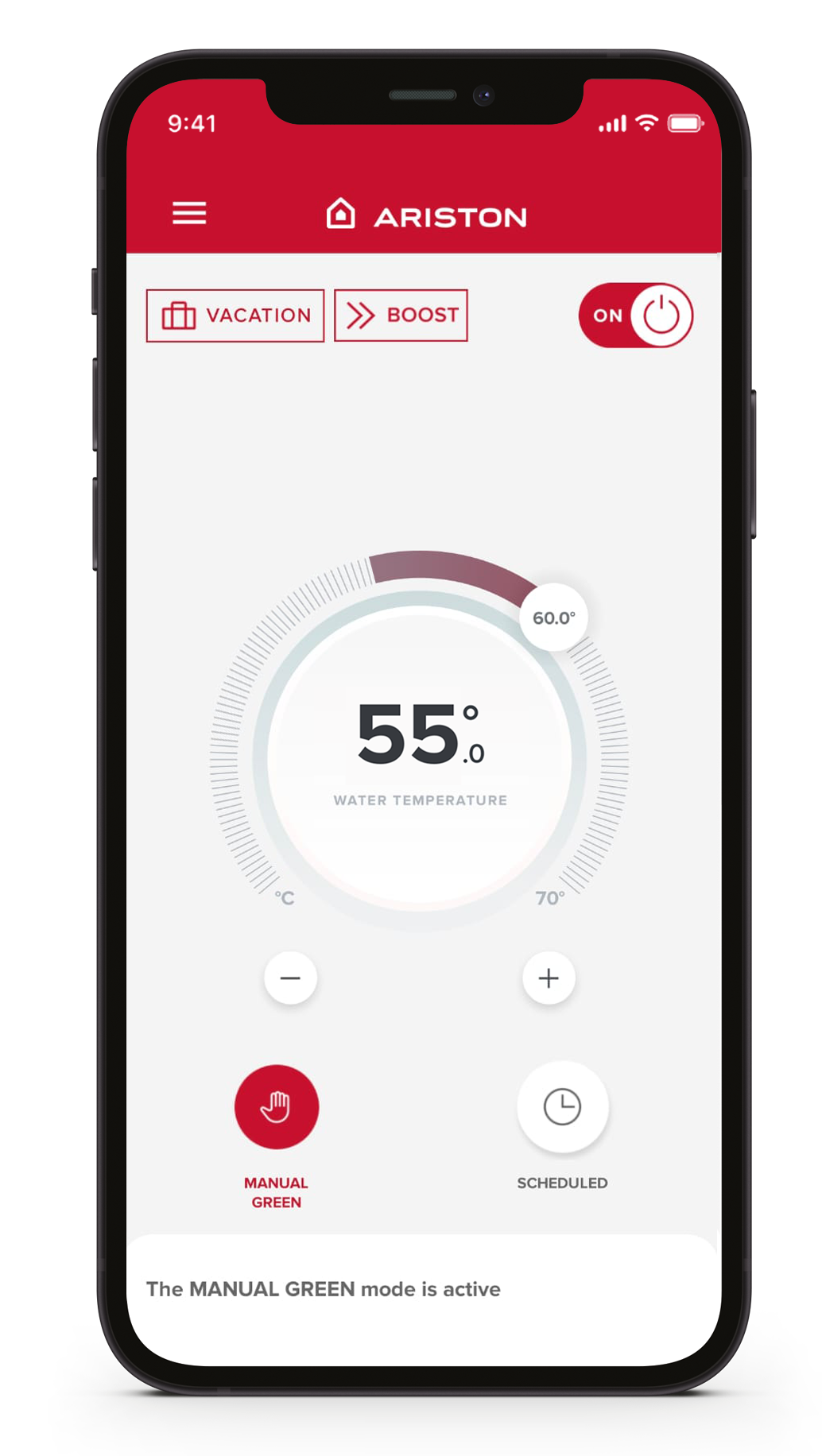
     With the Ariston NET app, managing your water heater is easy! Turn it on and off with just one touch, control the temperature and more. Furthermore, by connecting the water heater to the app, you will receive advice for controlling energy consumption.

  • How to download Ariston NET app?
    The app is available for free on Google Play (for Android) and on the Apple App Store (for iOS). Try the demo version of the app to discover all its advantages!
  • How much does the app cost?

    It’s free! To control your water heater from your smartphone, just download it from Google Play or Apple App Store.

  • How can I connect my water heater to the internet?

    Connecting your water heater to the internet is fairly straight forward. Simply refer to the installation manual supplied with your water heater to connect the product to your home’s Wi-Fi network. From there, conveniently control the water heater via Ariston NET. For more information about the service, contact us or discover more under the downloads section of your product on the website.

  • What can I do if the app is not working properly?

    Should you run into an issue with the app, we recommend that you uninstall and redownload the app and install again on your smartphone.

  • How can I create my personal account?

    After downloading the Ariston NET app, launch the app and simply tap the Register button.

  • How can I recover my username and password to access the service?

    If you forget your password to access the service, you can request for a reset password link to be sent to you under the Login section of the application. You will then receive a link to the account email to reset your login information.

  • I no longer use the reference email I provided during registration. How can I change it?

    Please note that the username is not an editable field. You still have the ability to add a secondary reference email via the web portal to receive communications and service updates.

  • What happens if I change my home modem, and I need to reconfigure the internet on my water heater?

    You will need to go through the network configuration process again to allow your water heater to connect to your new home internet. For more information, refer to your product manual.
  • How do I turn off the service and delete my data?

    You can delete your personal data from the platform at any time in the User Profile section by following the methods outlined in our Privacy Policy.

  •  Privacy Policy

    In accordance with the Australian Privacy Act on data protection and our commitment to transparency, we take the security of our users’ personal information very seriously.